Python Inner Working
Python Bytecode and Virtual Machine
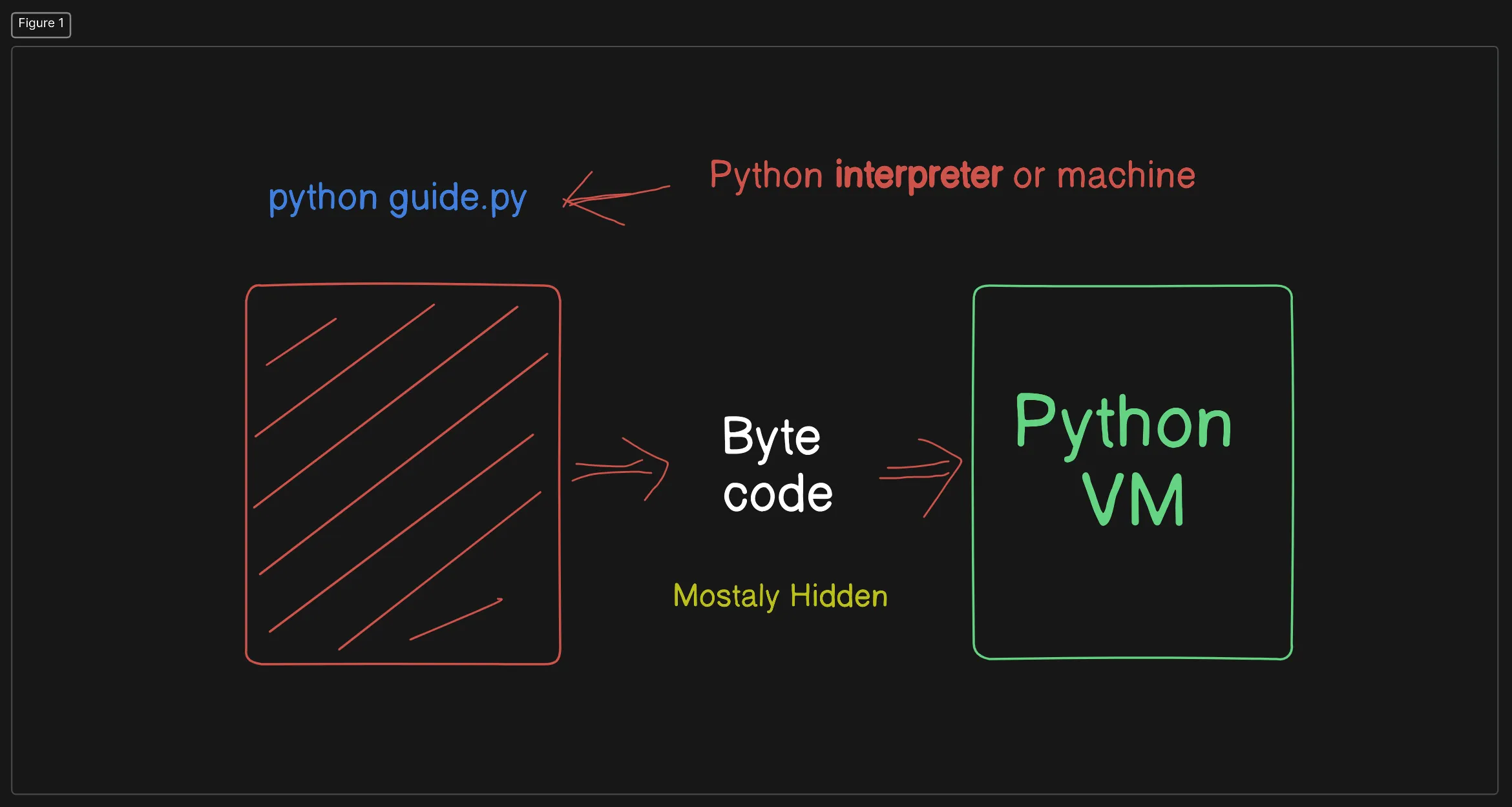
When you run a Python script, the process involves several steps to convert your human-readable code into something that the computer can execute efficiently. Here’s a detailed explanation:
-
Python Source Code (
.pyfile):- This is the code you write in a text editor or IDE, saved with a
.pyextension.
- This is the code you write in a text editor or IDE, saved with a
-
Compilation to Bytecode:
- When you run a Python script (e.g.,
python guide.py), Python first compiles the source code into bytecode. This step is mostly hidden from the user. - Bytecode:
- Bytecode is a low-level, platform-independent representation of your source code.
- It is designed to be efficient for execution by the Python Virtual Machine (VM).
- Bytecode files typically have a
.pycextension and are stored in a__pycache__directory.
- When you run a Python script (e.g.,
-
Python Virtual Machine (VM):
- The Python VM is responsible for executing the compiled bytecode.
- The VM interprets the bytecode and performs the necessary operations on the underlying hardware.
-
Benefits of Bytecode:
- Platform Independence: Bytecode can be executed on any platform that has a compatible Python VM.
- Faster Execution: Since bytecode is a more compact and efficient representation of your source code, it generally executes faster than interpreting source code directly.
-
Compiled Python Files (
.pycfiles):- These files contain the bytecode and are often referred to as frozen binaries.
- They allow Python programs to start faster since the compilation step is skipped.
Happy coding!